 FlowScribe

Local. Even offline.
There is no server your audio goes to. The models live on your computer.
FlowScribe types what you say into any Windows app. Locally on your PC, no account.
Windows shows a warning on first launch. Here’s what to do ›
Hold Ctrl + Win, speak, let go
Speed
The same text, twice in real time: typed once, dictated once with FlowScribe.
43words per minute
152words per minute
Dictated in 12.9 seconds, typed in 36.3 seconds.
Dictation: measured in my own FlowScribe history on my PC. 43 dictations in German with 5,827 words between 26 October and 10 November 2026, 152 words per minute on average. The wait until the text is inserted (2.3 seconds on average) is included. Typing: the average from an Aalto University study with 168,000 participants (52 words of 5 characters each per minute), converted to the word length of my dictations. The text is an example, your speed may differ.
No plug-in, no extension. FlowScribe inserts the text wherever your cursor is.
How FlowScribe works
01 · Modes
Optimized adds punctuation, removes filler words and smooths the sentence. Original keeps exactly what you said. FlowScribe recognizes the app and picks the mode itself. You can adjust every rule.
02 · Commands
Select text, hold Ctrl Win Shift and say “make this friendlier”. Or shorter. Or in German.
03 · Dictionary
Terms, replacements and snippets. A spoken keyword inserts your address or signature.
04 · Audio import
WhatsApp voice messages, audio files and even MP4 videos become text, with paragraphs and locally as well. In the clip: a German voice message.
05 · History and stats
Every dictation is searchable, with words per day and time saved. You decide how long entries are kept.
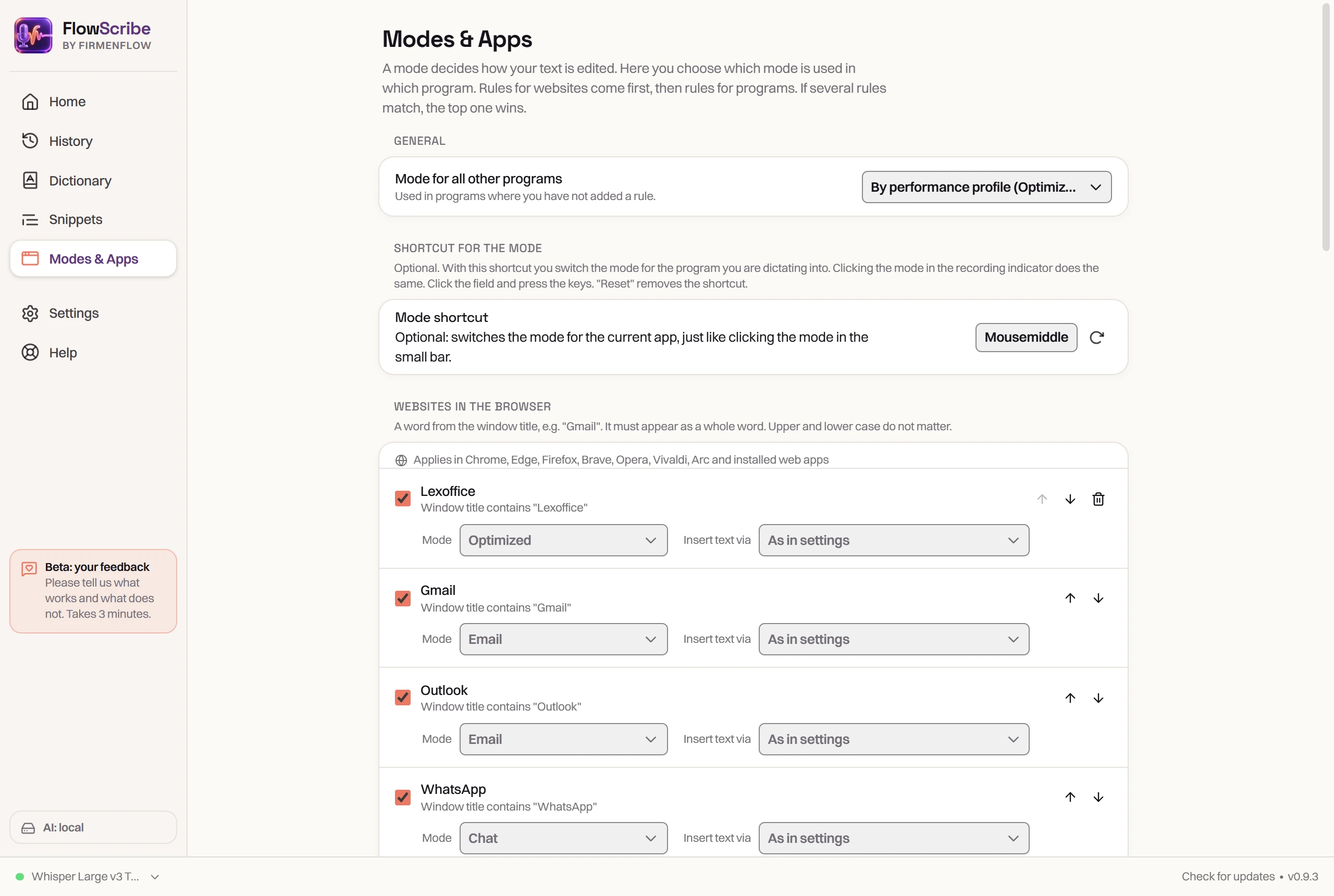
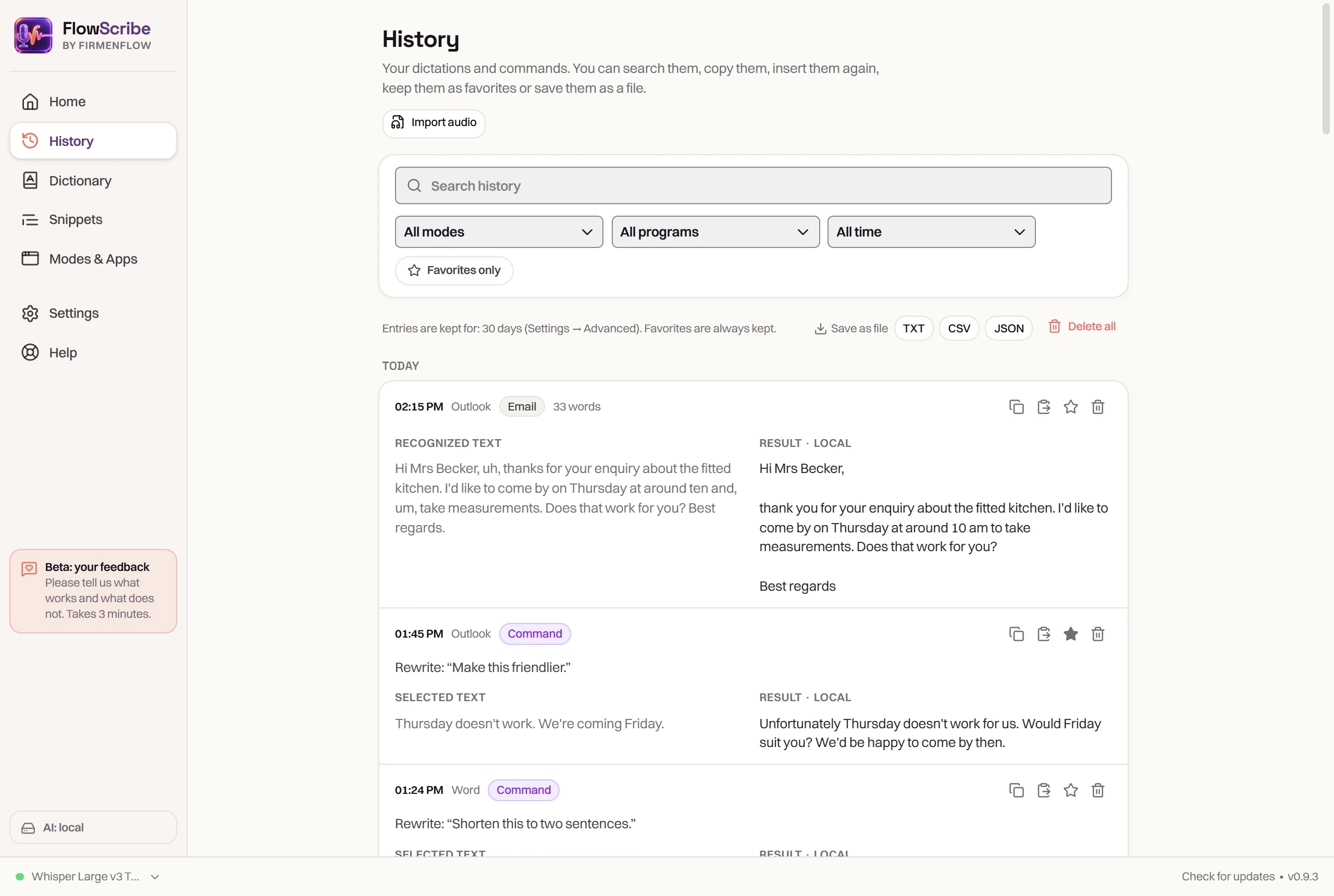
Real recordings from FlowScribe 0.9
Private
Speech recognition and text editing run on your computer. FlowScribe only stores recordings if you turn that on yourself.
There is no server your audio goes to. The models live on your computer.
One shortcut, in every program. A quick tap switches to hands-free.
Install and get going. No sign-up.
Built for German, understands English too, even mixed in one sentence.
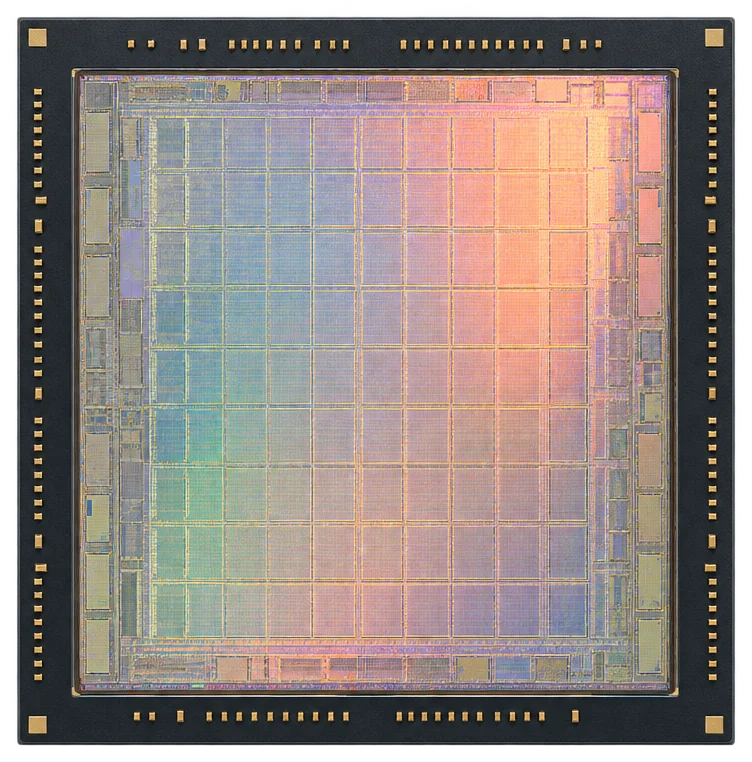
Runs smoothly without a graphics card. With one, it gets even faster.
If you like, you can connect an online AI service with your own API key. It is off by default, and then everything stays on your PC.
Setup
Download, confirm once in Windows, and the setup assistant guides you through the rest. With short explainer videos from me (currently in German) and a test dictation at the end. You don’t need admin rights.
The video shows the German version. On an English Windows, FlowScribe starts in English.
Built in Wesel, Germany
“My voice was going to other people’s servers. So I built FlowScribe myself.”
I dictate every day: emails, quotes, messages. FlowScribe runs entirely on your PC, even without a graphics card, in any app. Now I’m looking for people who use it in their daily work and tell me honestly what’s missing.

Manuel LandeckDeveloper of FlowScribe · Firmenflow, Wesel





Firmenflow is my business in Wesel, Germany. I build websites and look after Google Business Profiles for local businesses on the Lower Rhine and online. FlowScribe exists because I dictate every day myself.
FAQ
What you should know before you install FlowScribe.
The beta is free, with no account and no sign-up. Costs only come up if you choose to use cloud AI with your own API key. The provider then bills you directly.
Windows 10 or 11, 64-bit. You don’t need a graphics card: during setup, FlowScribe checks your processor, memory and graphics card and configures itself to match. With a dedicated graphics card with 4 GB of video memory or more, everything runs on it and is especially fast. On the processor alone, speech recognition is still quick, while AI editing takes a few seconds. Depending on your choice, the models need about 1 to 4 GB of free disk space. FlowScribe is not available for Mac or phones.
The setup assistant downloads them once: the speech recognition model (about 0.7 to 0.9 GB) and, if you want, an AI model for text editing (Qwen3.5, 1.3 or 2.7 GB). Both come from Hugging Face, a well-known platform for AI models. After that, FlowScribe also works offline.
Your dictations stay on your PC. FlowScribe only stores recordings if you turn that on yourself. The app makes just three kinds of connections: model downloads when you load a model, an update check on GitHub at most once a day (you can turn it off), and cloud AI if you switch it on yourself. No usage data or crash reports are sent. You can check this in the app under Settings › Privacy › Network overview.
It is off by default. You can turn it on under Settings › AI with your own API key for OpenAI, Anthropic (Claude), Mistral, OpenRouter, Groq or a service of your own. Then only the recognized text and your instruction go to that provider, never the audio.
The recommended models understand German and English, even mixed in one sentence. For other languages, choose the “Many languages” model: it recognizes 25 European languages, such as French, Spanish or Polish. The app itself is available in English and German and follows your Windows language. You can change it in the settings.
Anywhere you can type: Outlook, Word, WhatsApp, your browser or ChatGPT. The exception is programs running as administrator. Windows doesn’t let other programs insert text there.
FlowScribe is new, so Microsoft doesn’t know the file yet. Click More info and then Run anyway. If you’d like to check first, checksums and VirusTotal reports for every version are on GitHub.
No, neither for installing nor for updates. For PCs where you’re not allowed to install anything, there is a portable version as a ZIP file.
Automatically. FlowScribe lets you know as soon as a new version is out. One click installs it, then the app restarts. Settings, history and models are kept. You update the portable version by hand.
Like any program, under Windows Settings › Apps › Installed apps. If you tick “Also delete my settings and history”, your settings and history are removed. Without the tick, they stay for a later reinstall. Either way, the downloaded speech models remain in the shared Hugging Face folder (.cache\huggingface in your user folder), where you can delete them by hand.
What’s new
What changed with the latest updates. FlowScribe tells you when a new version is out, one click installs it.
NEWVersion 0.9.6November 2026
While you dictate, FlowScribe shows what it has understood so far above the recording indicator, about once a second, with every recognition model. The finished text is inserted as before. Turn it on or off under Settings › Recording.
Pick a folder under Import audio, for example in OneDrive. Every voice message that lands there turns into text on its own and then moves to “Done”.
Step by step: how to get WhatsApp voice messages from an iPhone or Android phone onto your PC, including via WhatsApp Desktop and WhatsApp Web.
Say “new paragraph” and a new paragraph starts right there, in every mode. Paragraph numbers in a contract stay in the text as they are.
On import, longer pauses and topic changes become paragraphs. The AI polishes each paragraph on its own instead of one big block.
Try it here first. Then use it for a few days with emails, chats and reports, and tell me what’s missing.
Hold, “speak”, let go. Just a simulation, nothing is recorded.
Windows warns you on first launch because FlowScribe is new: More info › Run anyway.
FlowScribe runs on Windows 10 and 11. Open this page on your PC or send yourself the link.
Version 0.9.6 · Windows 10 and 11 · free
Portable version (ZIP, no installation) · Checksums, VirusTotal and all versions on GitHub
You can give feedback right in the app under Help › Give feedback.
I build and maintain FlowScribe myself. If the app makes your day easier, you’re welcome to buy me a coffee.